◫
Hyperspectral analysis
Explore spectral structure, reduce dimensionality, extract endmembers, match libraries, and map materials.
MNFPCASAMMFACECEM
GeoDataAI helps registered users retrieve, analyze, classify, detect, map, and report hyperspectral and multispectral Earth-observation data through an integrated AI-driven workflow.
Designed for scientific workflows that combine autonomous reasoning with deterministic processing.
Explore spectral structure, reduce dimensionality, extract endmembers, match libraries, and map materials.
Analyze Sentinel-2, Landsat, RGB and NIR imagery for indices, classification, change, and mapping.
Resolve requested materials against spectral libraries, resample to sensor bands, and scan pixels directly.
GeoDataAI supports sensor-aware hyperspectral processing for scientific discovery and target-focused detection.
Use established remote-sensing methods with AI-assisted orchestration and structured scientific reporting.
Create an account, confirm your email, and enter the application. Returning users can log in with username or email.
Describe the analysis goal, material targets, AOI, or sensor preferences.
Upload supported data or use the system's retrieval workflow when appropriate.
Run deterministic spectral, statistical, spatial, and classification procedures.
Review metrics, thresholds, spectral matches, maps, and uncertainty indicators.
Generate maps, tables, figures, metadata, and a structured analysis report.
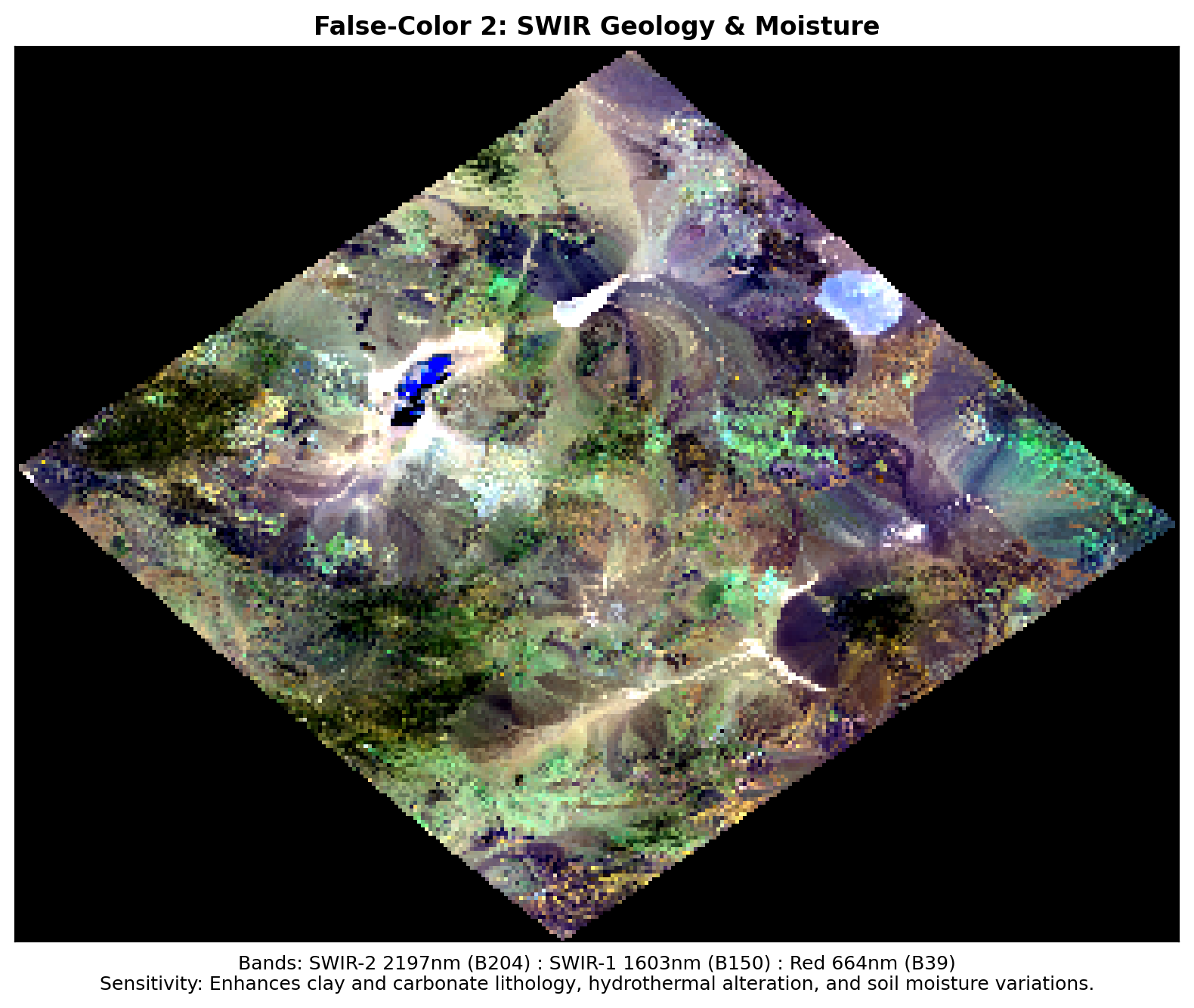
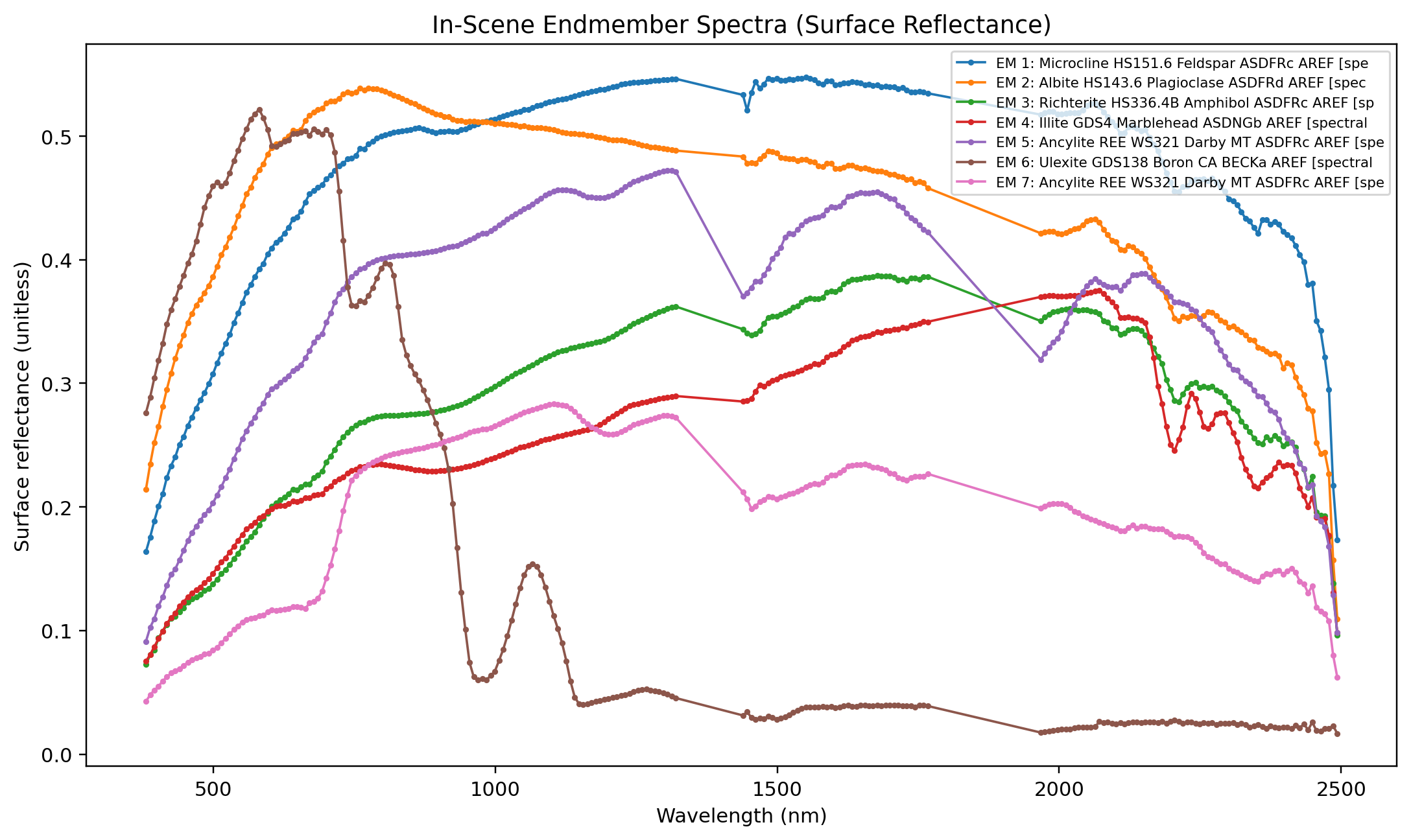
Example analysis workflows and demonstration outputs. Results depend on the input data and analysis settings.
The public website is open to visitors. Create an account and confirm your email using the single-use link within 10 minutes. Confirmation activates your account, signs you in, and opens GeoDataAI. Returning users can log in with their username or email.
The public website lives at geodataai.net. The protected analysis system is designed to run at app.geodataai.net.
No. A detection is spectral similarity or other algorithmic evidence under the selected data, reference library, and processing settings. It is not confirmed material presence. Independently validate findings using field observations, laboratory measurements, suitable reference data, or established methods.
When the request and available services support it, GeoDataAI can retrieve suitable Earth-observation data first and then continue with the requested analysis workflow.
Browser uploads are limited to 300 MB per file. Supported formats and estimated uncompressed memory are also checked. Upload the data itself: a Windows path on your PC is not accessible from the VPS. Larger datasets require an operator-arranged transfer route.
Automatic 24-hour dataset cleanup is planned but is not currently enforced. Uploaded and retrieved files, reports, and derived outputs may remain stored. Keep your own copies and read the Data & Privacy notice.
Browser-based AOI confirmation is not yet available. Do not assume the existing desktop-map option provides a browser confirmation. Review your requested location and coordinates carefully. See current limitations.
GeoDataAI is an independently developed and personally funded research platform created by Forrest Tian. It supports academic research, education, and exploratory geospatial analysis, with a focus on hyperspectral, multispectral, GeoAI, and AI-assisted scientific workflows.
GeoDataAI is independently operated and is not an official product, service, or platform of The University of Texas at Dallas. References to academic affiliation describe the founder's educational and research background and do not imply institutional sponsorship or endorsement.
Forrest Tian's research background spans hyperspectral and multispectral remote sensing, GeoAI, spectral analysis, and geospatial data science.
For research, collaboration, access, or general questions, contact us by email.
Create an account or log in to access the protected GeoDataAI Analysis System.
 Scan to open GeoDataAI on your phone.